GTA 6 Filter: How to Turn Any Photo into GTA VI Art and Video
A complete guide to the GTA 6 filter — the 5 art styles, the 4 video scenes, photo tips for the best likeness, prices and answers to common questions.
 GTA 6 Filter
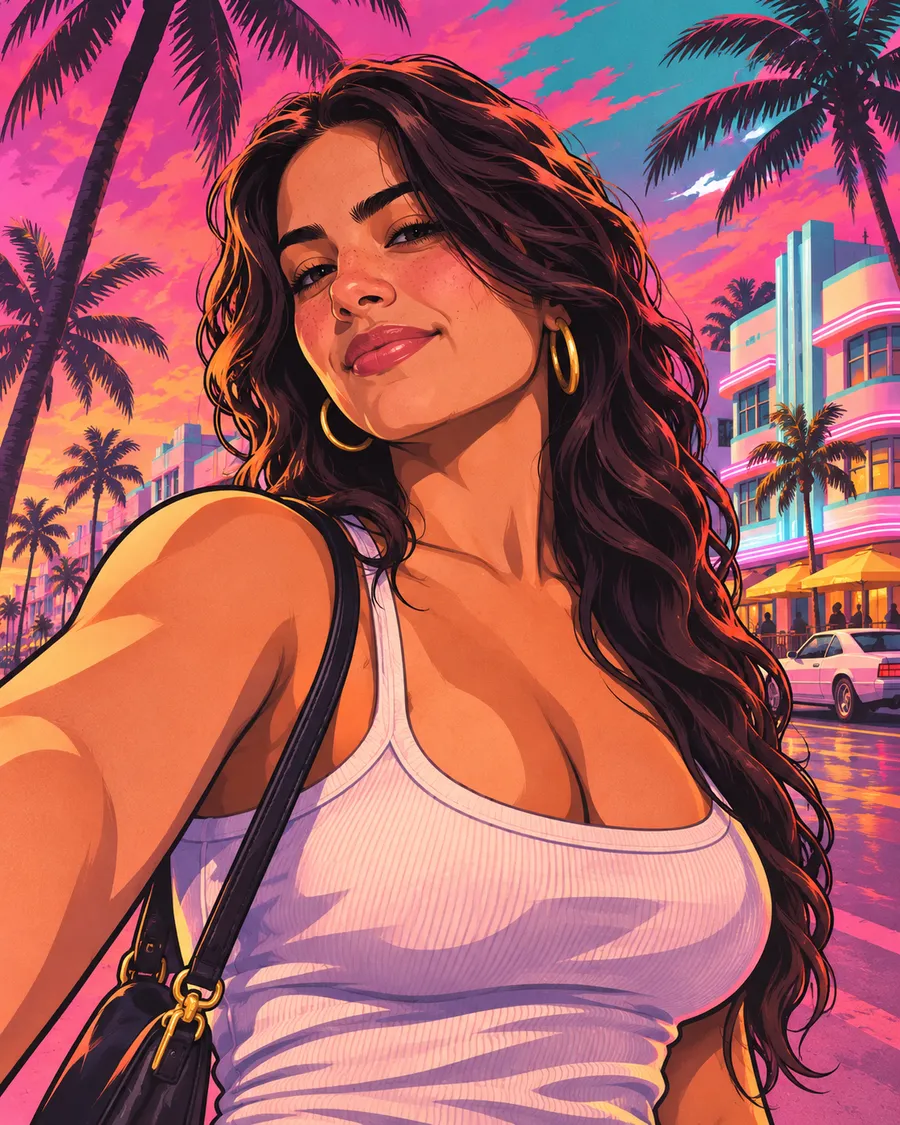
The GTA 6 filter is an AI tool that repaints a normal photo in the style of Grand Theft Auto VI artwork — the hand-painted loading-screen look with thick outlines, cel shading and Vice City sunset colors. On GTA6Filter.com it takes one upload and about 20–60 seconds.
The 5 image styles
| Style | What you get | | --- | --- | | Loading Screen | Classic painted portrait with a Vice City sunset | | Cover Art | You as one tile of a GTA VI style multi-panel cover | | Vice City Neon | Night, neon signs, wet streets, an '80s sports car | | Leonida Beach | Sunny keys, palm trees, speedboats | | 5-Star Wanted | Action poster with police lights and five wanted stars |
The 4 video scenes
After you have a GTA image, switch to GTA 6 Video and pick Trailer Shot, Night Cruise, Police Chase or Beach Party. The video model (ByteDance Seedance) animates your image into a 5 or 10 second clip with sound. Seedance 2 Mini is fast and affordable; Seedance 2.5 Pro gives the most cinematic motion.
Tips for the best likeness
- Use a sharp, front-facing photo with even light.
- Keep your face reasonably large in the frame.
- One or two people per photo works best.
- If the first result drifts, try the other image model — Nano Banana 2 and GPT Image 2 interpret faces differently.
How much does it cost?
New accounts get free credits. After that an image costs 20 credits (about $0.10) and a video starts at 60 credits. See pricing.
Is it official?
No. GTA6Filter.com is an independent fan-made tool and is not affiliated with Rockstar Games or Take-Two Interactive.